 Image 1 of 3
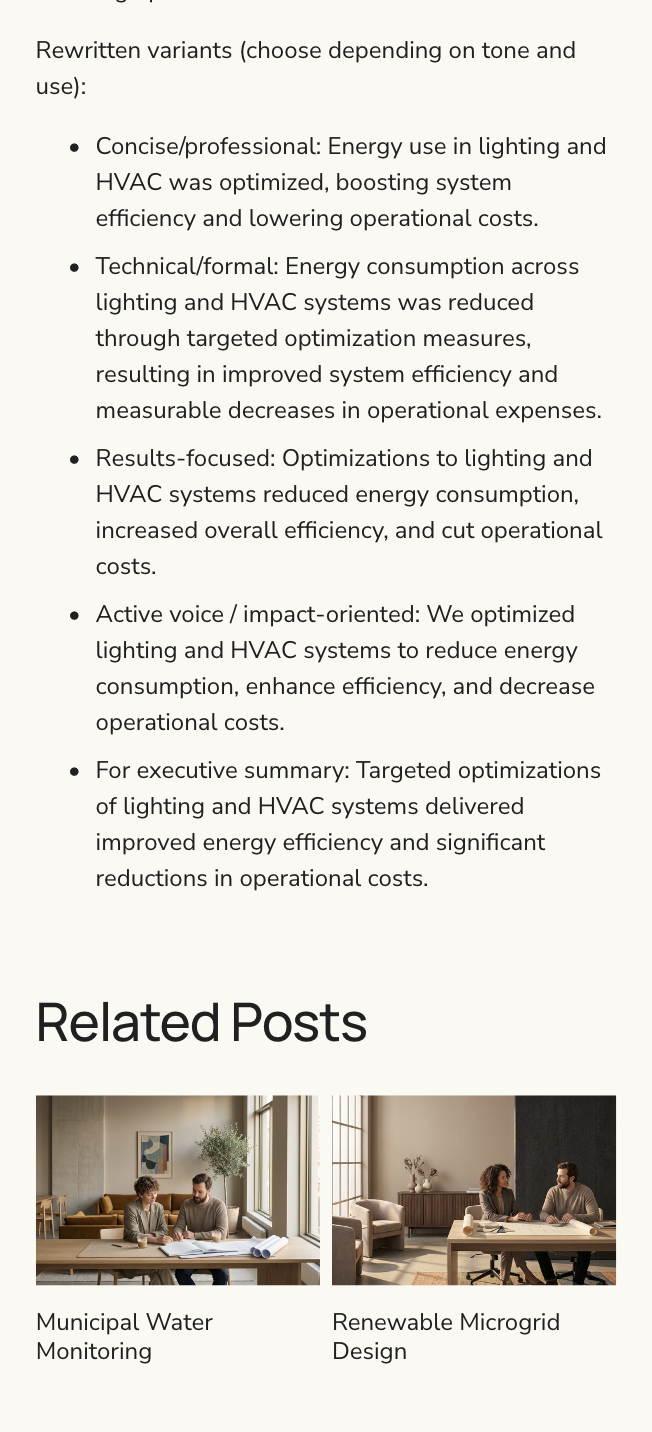 Image 2 of 3
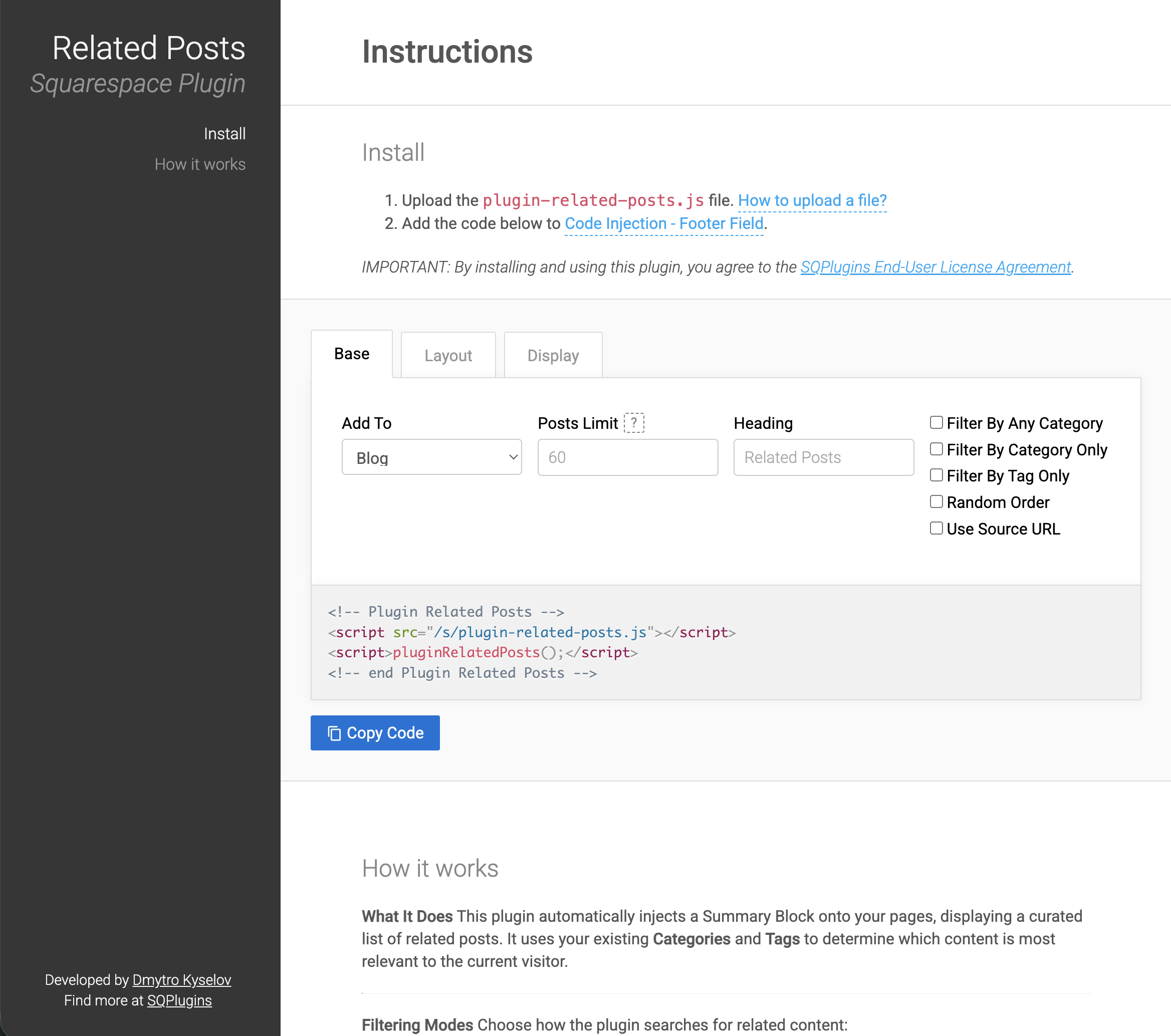 Image 3 of 3
$29
Solo License: Granted for use on a single production website. The licensee must be the direct owner/operator of the site.
$149
Agency License: Granted for use on an unlimited number of websites, including those built for third-party clients.
Any License is One time payment. By purchasing, you agree to our License Agreement and Terms of Service.
-
What It Does
The Related Posts Plugin automatically injects a Summary Block onto your pages, displaying a curated list of related posts. It uses your existing Categories and Tags to determine which content is most relevant to the current visitor.
Filtering Modes
Choose how the plugin searches for related content:
Default (Mixed) – Searches using both categories and tags.
Filter By Category Only – Searches exclusively using categories.
Filter By Tag Only – Searches exclusively using tags.
Note: The "Category Only" and "Tag Only" modes are mutually exclusive—you cannot activate both simultaneously. Using a single filter often yields a broader range of related posts.
How Matching Logic Works
Understanding this ensures you get the results you expect:
Categories (Strict by Default): The plugin requires a related post to match every single category assigned to the current post, in the exact order they are listed.
Example: If your current post has categories Apple and Orange:
- Post #1 (*Apple*) → ❌ Not related.
- Post #2 (*Apple, Bacon*) → ❌ Not related.
- Post #3 (*Apple, Orange*) → ✅ Related.
To disable this strictness: Enable the "Filter By Any Category" option. This switches the logic to "loose" matching, meaning a post only needs to share at least one category with the current post.
- Tags (Always Loose): Tag logic operates differently. The plugin will always use "loose" matching for tags—a post only needs to share at least one tag with the current post to be considered related.
-
The current plugin version is 2.7.0