To install a plugin on Basic / Personal Plan:
Upload the plugin file(s) as usual.
In the site editor, go to the Footer section and click on the Edit Site Footer:

3. Add an Embed block to the site footer.
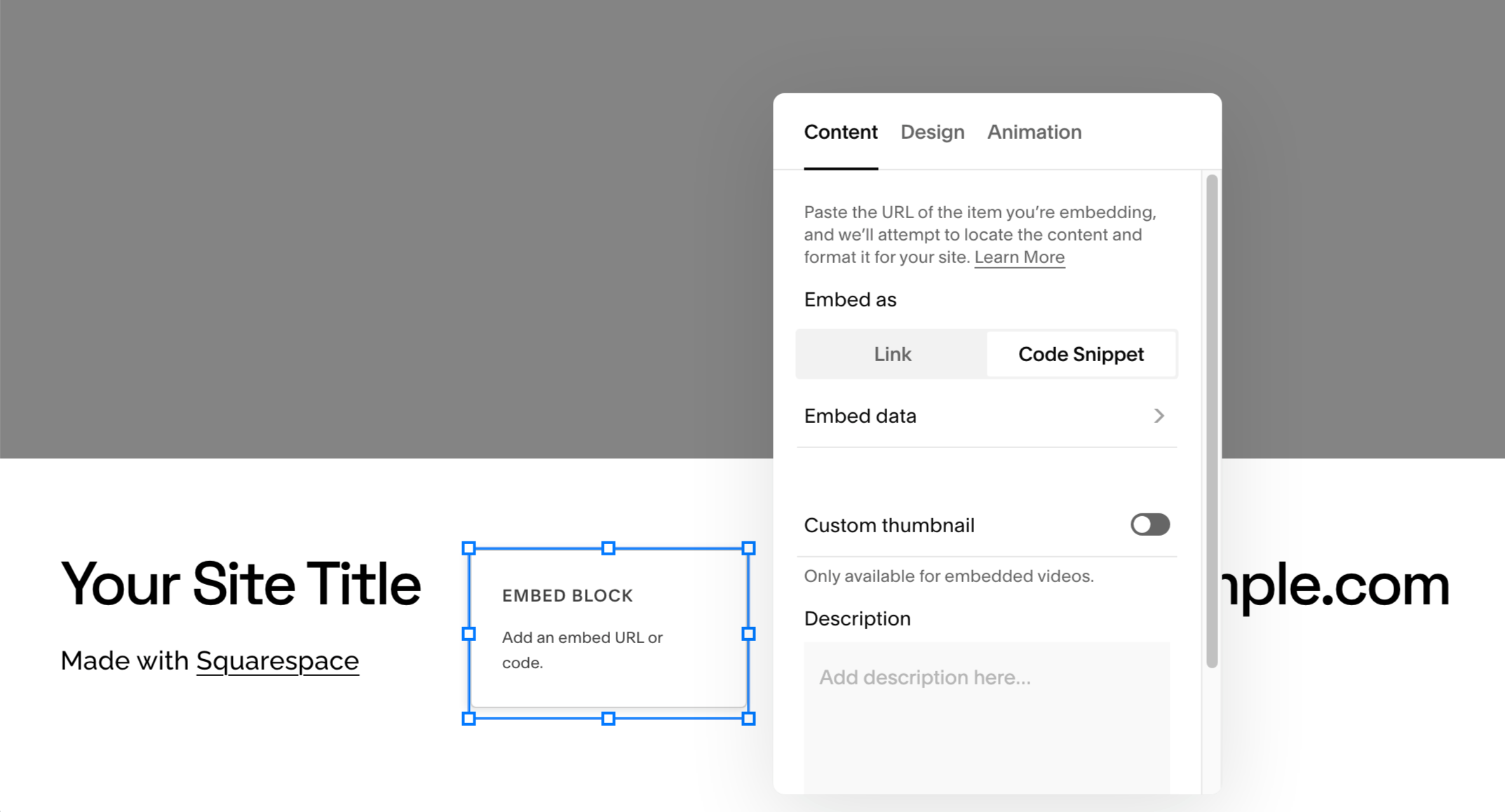
4. In the block settings Content tab select the Code Snippet tab and click on Embed data:
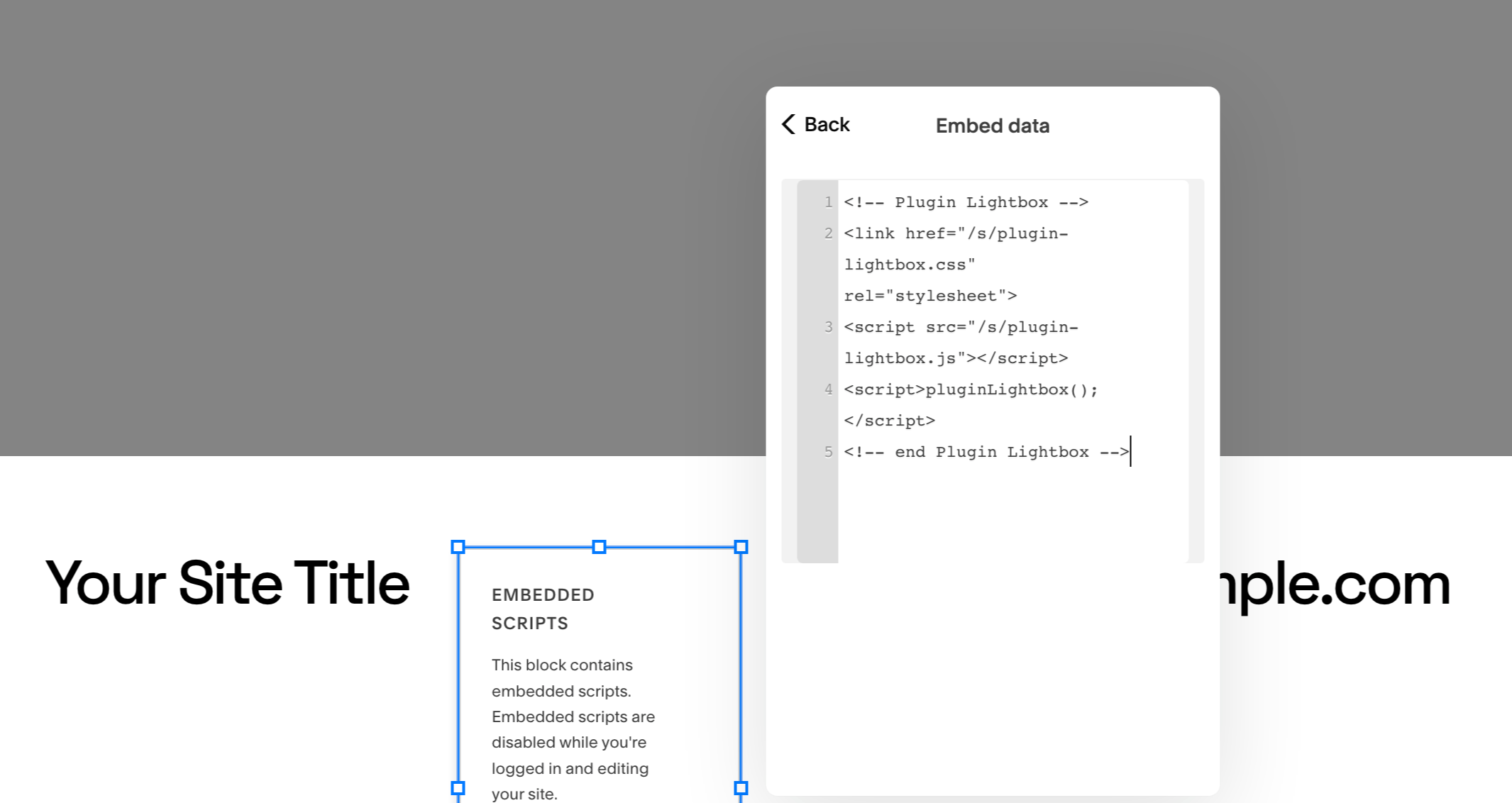
5. Paste the plugin code into the field and click Save.